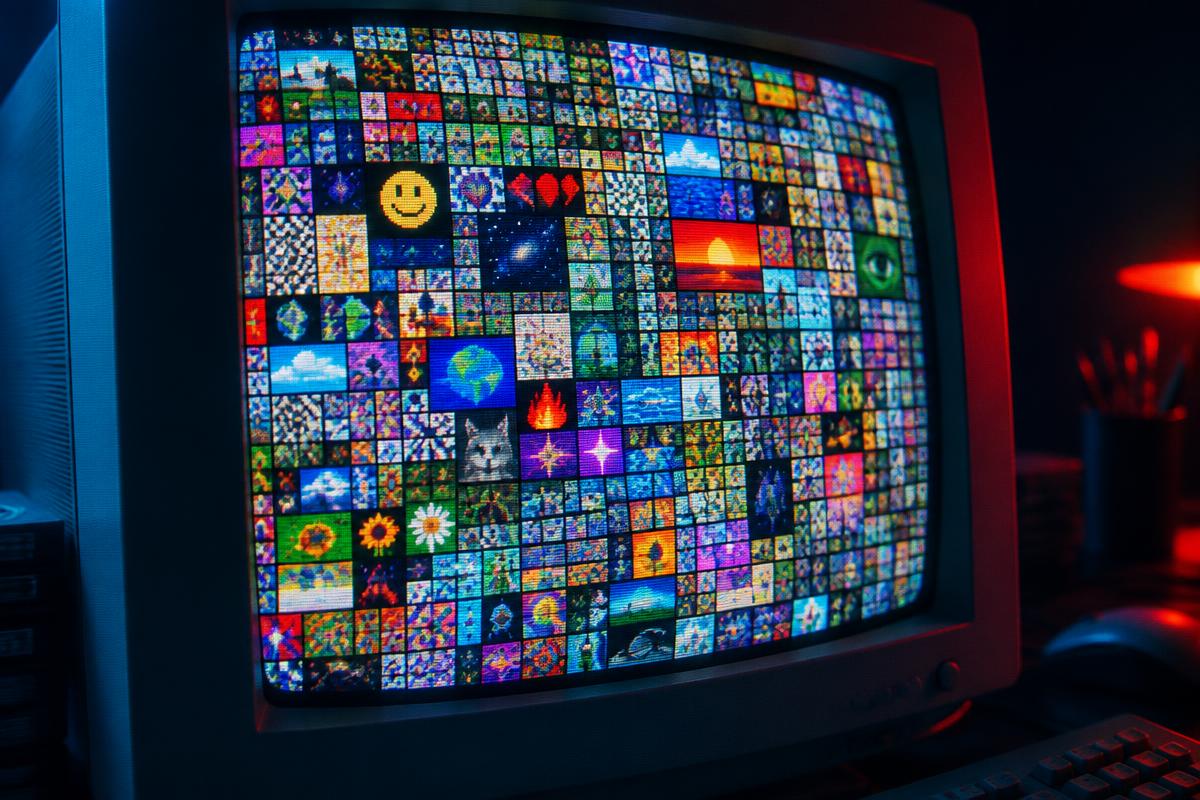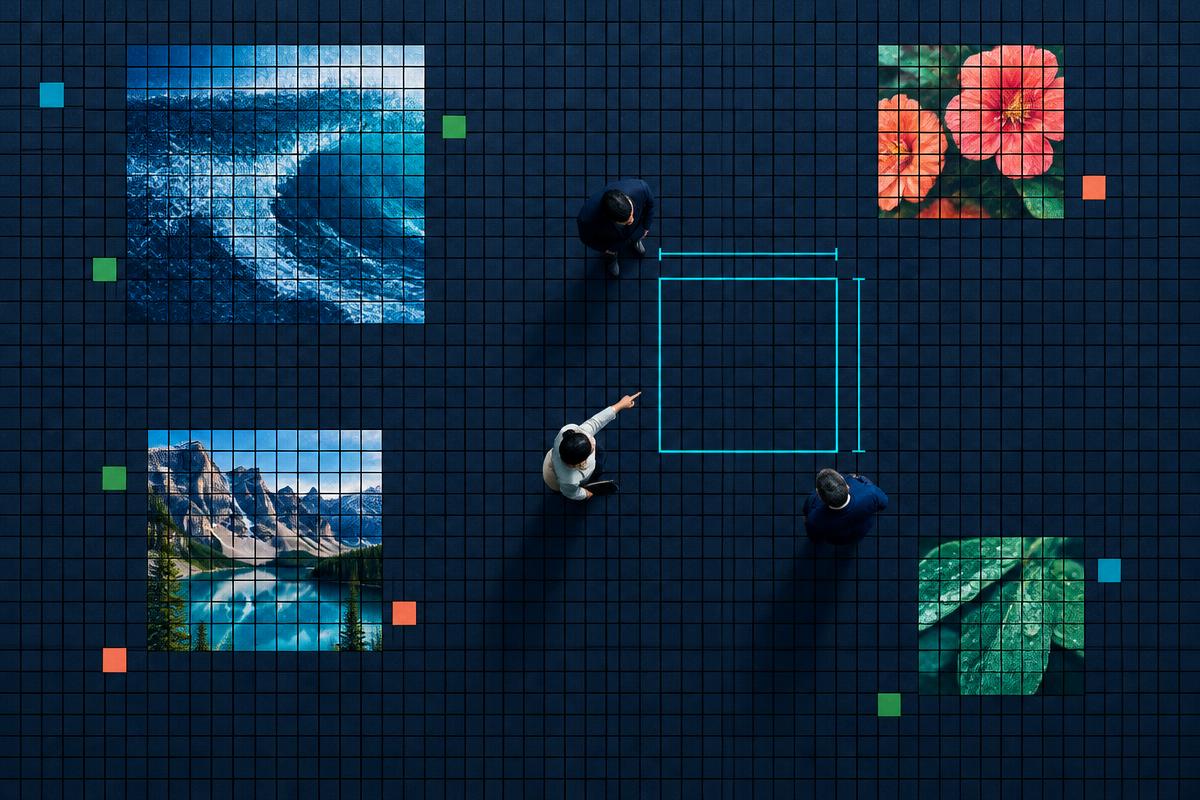
A square image on a busy wall has a difficult job: it must say something before a visitor has decided to click. The best approach is often to remove details, not add them. Here is a practical checklist for your artwork before you commit to a permanent spot.
Choose one thing to recognize
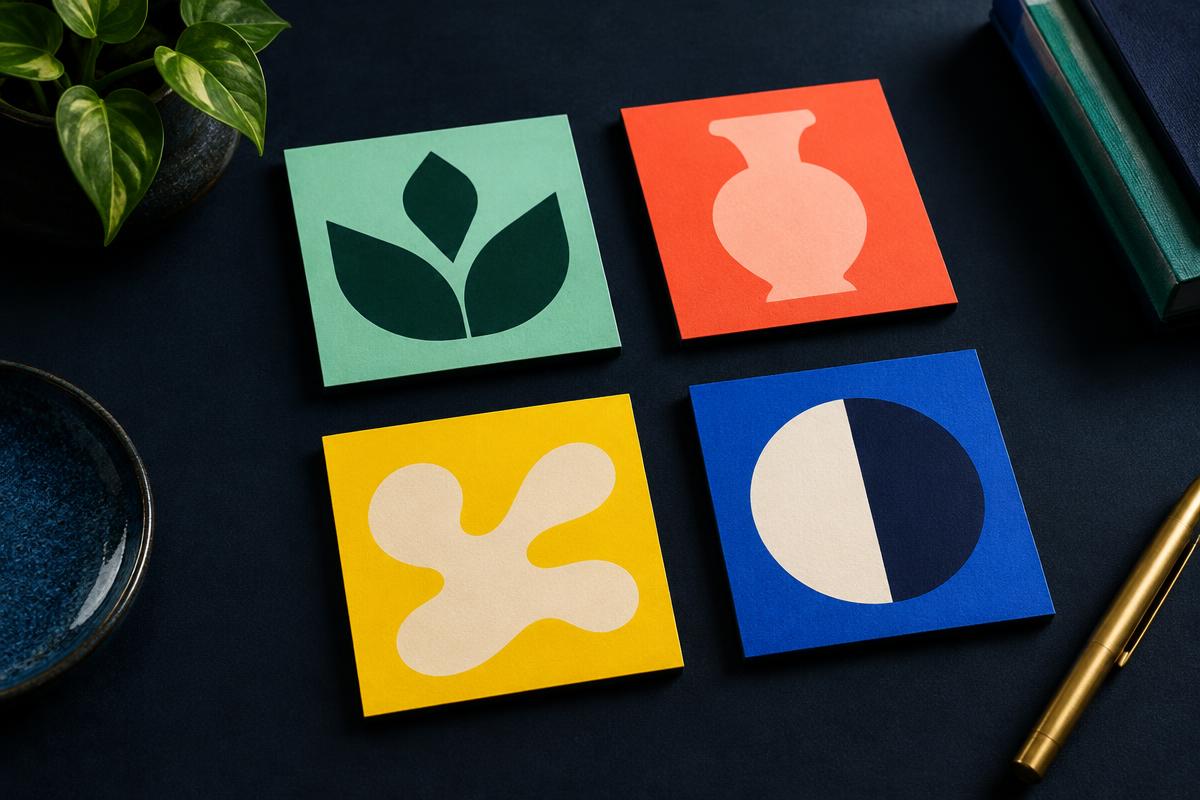
Lead with a single object, shape or recognizable mark that relates to your project. If you sell a product, show the product; if you run a tool, consider an icon that captures its purpose. A collage of tiny screenshots and slogans is difficult to understand when the whole wall is visible. Try shrinking your image in a browser tab: if you cannot identify its main subject, simplify it.
Use contrast before decoration
A clear silhouette against a distinct background will usually be easier to spot than subtle details in similar colors. Keep important content away from the edges so it is not lost when the image is displayed as a tiny square. You do not need to match every neighboring image; a visually distinct project can be easier to find.
Be especially careful with text. Small lettering may look polished at full size and become unreadable on the wall. If words are essential, use very few, make them large and test at the size your selected area will actually occupy.
Make the click worthwhile
The image creates interest; the link has to deliver on it. Send visitors to a relevant working page, not an unrelated homepage or a page that requires them to search again. Because the destination cannot be changed after purchase, choose a stable URL you expect to keep. The terms of use also set out what kinds of projects are allowed.
Preview at two scales
First view your image up close to catch cropping, awkward spacing or fuzzy edges. Then return to the full wall. This second view is the honest test: can someone notice the subject among the neighboring projects? If not, a simpler design or a larger area may help. Neither guarantees traffic, but both give your image a clearer chance to be understood.
No artwork ready? SquareMillion can generate a square image from your project link during checkout, or you can upload your own. Review the result and the destination before paying — your image and link are fixed once purchased.
Want to see how other projects present themselves? Browse the wall, zoom in on a few areas, and select a space when your image is ready.