You have a project to share and a budget in mind. How much space do you actually need? On SquareMillion, the answer depends less on a magic number than on what your image needs to communicate when someone looks at the entire wall.
Start with the real price
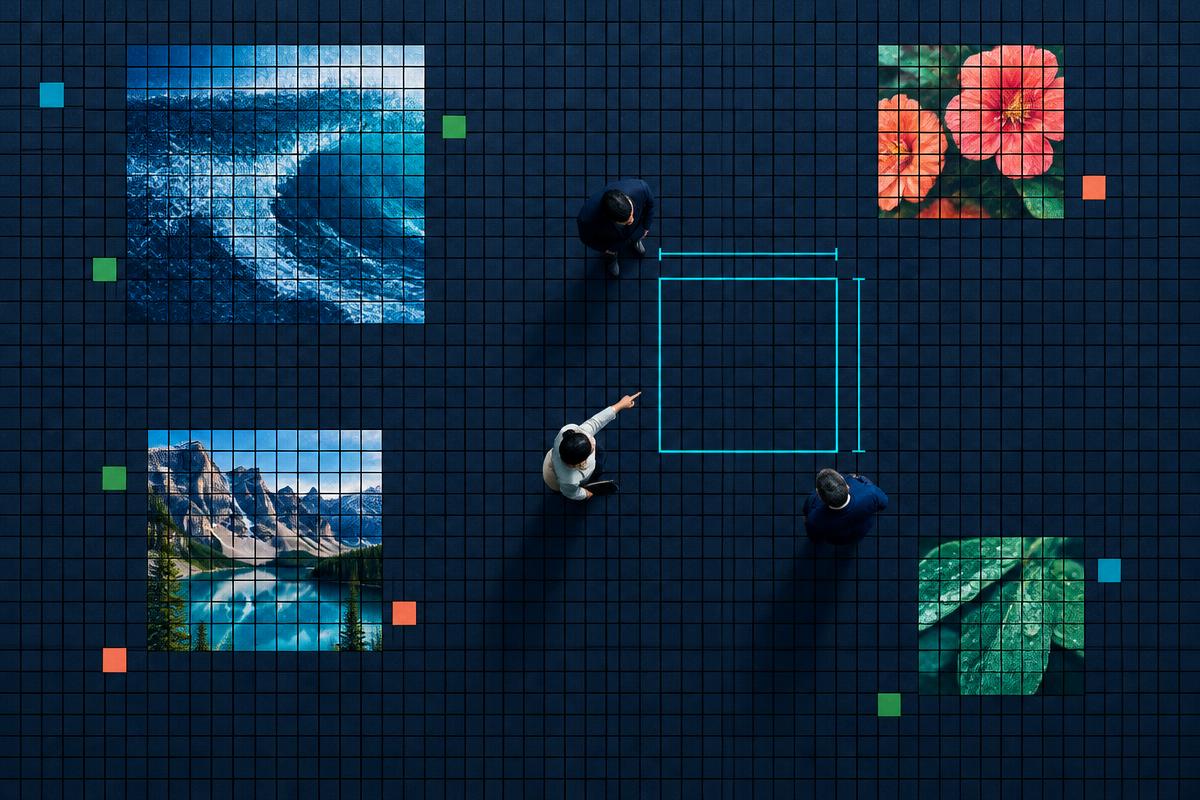
Each square costs €1, once. A 1 × 1 area costs €1; a 2 × 2 area costs €4; a 3 × 3 area costs €9; and a 10 × 10 area costs €100. You can also choose rectangular areas: a 20 × 10 block is 200 squares, or €200. The selection on the wall shows the dimensions and total before you continue.
A one-square spot is a tiny mark at normal zoom. It is possible to buy one, but it will not display an image clearly from a distance. If visitors need to recognize an icon or artwork without zooming, try a larger selection and look at it on the full wall before deciding.
Choose a position, not just a size
Look around the existing projects. An isolated area may have fewer immediate visual neighbors; a space next to a cluster might draw the eye as visitors inspect the group. Neither placement guarantees clicks. Use the wall’s zoom controls to inspect occupied space, then step back to 100% to see what a visitor will first notice.
Drag across an available area to select the width and height you want. The price appears beside your selection. If it overlaps another project, move it or choose a different size. If you would rather not decide on a position, the purchase flow can find a free spot for you.
Think about what the visitor will see
- A single square: the smallest possible presence, but visually minute on the full wall.
- A small block: suitable for a simple icon with high contrast. Preview it at actual wall scale.
- A larger block: more room for a recognizable illustration, but a higher one-time cost.
There is no promised return at any size. SquareMillion publishes views and outbound clicks per project, so you can see actual activity on the wall, not estimated impressions. Sharing the wall with your own audience can also bring people to all the projects shown there.
Check everything before paying
Your image, destination link and position are fixed after purchase. Open the link yourself, check the square image at both normal and zoomed sizes, and make sure the selected dimensions match your budget. You can upload your own image or ask SquareMillion to generate one from your link.
Ready to compare sizes? Select an available space on the wall to see its live price, then continue only when you are happy with the result.